
Structured submissions
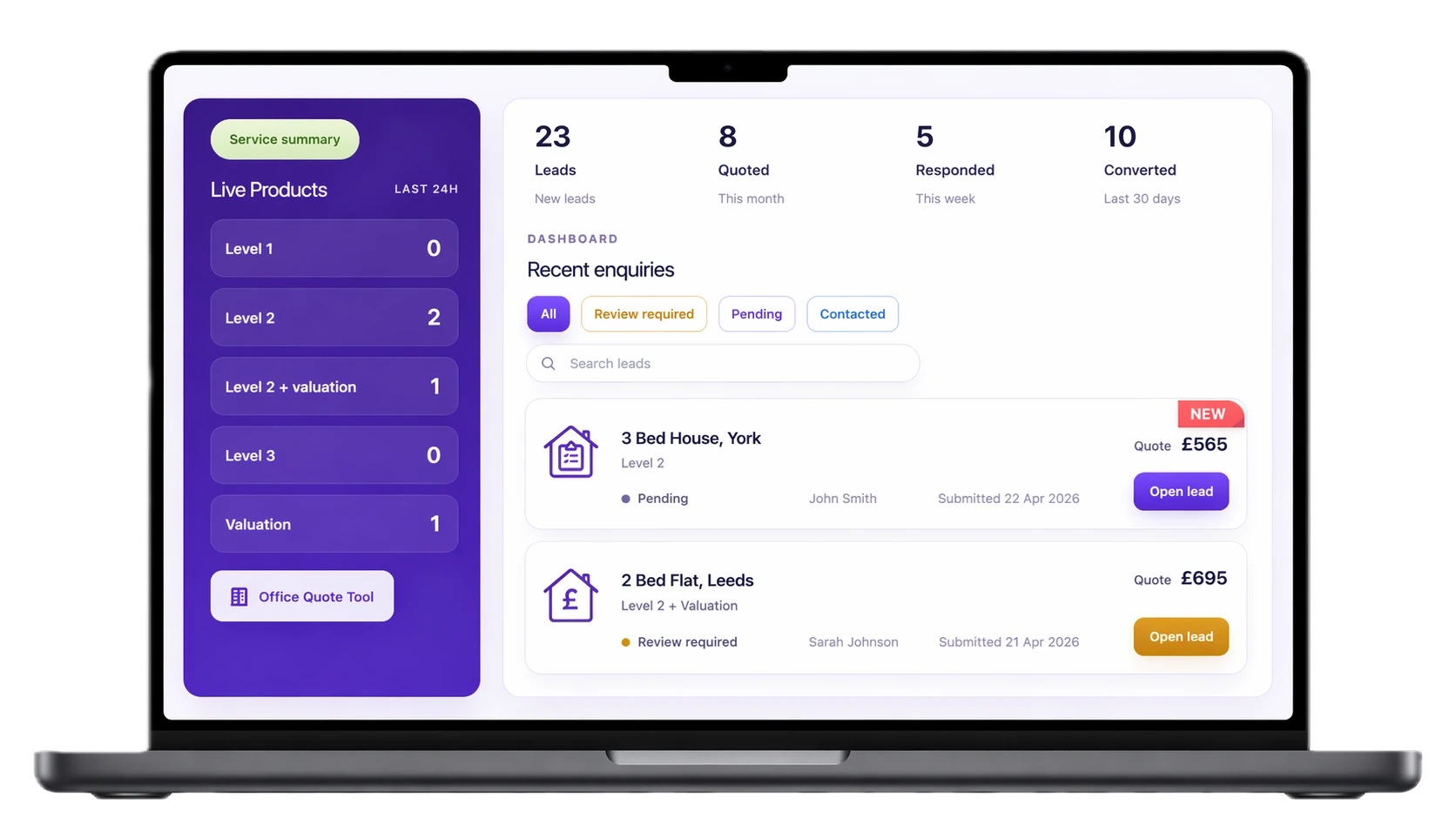
Submitted enquiries include property details, service choice, estimate and customer contact information.
Visitors answer property and service questions, see an estimate when your rules allow it, and choose whether to submit their details. Your team receives the answers, estimate and follow-up information in the dashboard.
The journey explains services, applies your pricing rules and clearly separates an estimate from the visitor’s decision to contact your firm.
Visitors choose a service and provide the property information your pricing rules need.
The tool applies your rules and sends properties outside them to a manual-review route.
After seeing the result, the visitor can submit their contact details, timing preference and notes.
The dashboard keeps the enquiry, property answers, service choice and estimate context together.
Submitted enquiries include property details, service choice, estimate and customer contact information.
Visitors see service information and pricing guidance before deciding whether to send an enquiry.
Use the hosted quote page, install the WordPress plugin, or link from your existing site.
See quote volume, service mix and which completed journeys turn into submitted enquiries.
Each submitted enquiry includes the information entered during the journey, so your team can review the same property and service context the visitor has already seen.
Create your account and configure the tool first. When you are ready, activate a 14-day trial; the plan then continues at £9.99 per month unless you cancel.
Key details about the trial, installation and customer replies.
Creating an account does not start the clock. Configure the tool first, then activate the 14-day trial through Stripe when you are ready to use it.
The plan continues at £9.99 per month unless you cancel before the trial ends. If you cancel during a paid period, the tool stays live until the end of that billing period.
When enabled, customer confirmation emails are sent on behalf of the firm and replies go directly to the firm’s saved contact email.
Most firms can go live with the hosted quote page or the WordPress plugin. More technical embed options are available when needed.
Still deciding? Ask SurveyQuotation a question.